Before starting installation, make a note of any required system settings that may be required including remote print server IP addresses and local COM port numbers for devices such as barcode scanners. Note that the same version of AmigoPOS must be installed on all pos stations, back office computers, remote display computers and tablets. When performing an update, install the update on all pos stations, back office computers, remote display computers and tablets.
-
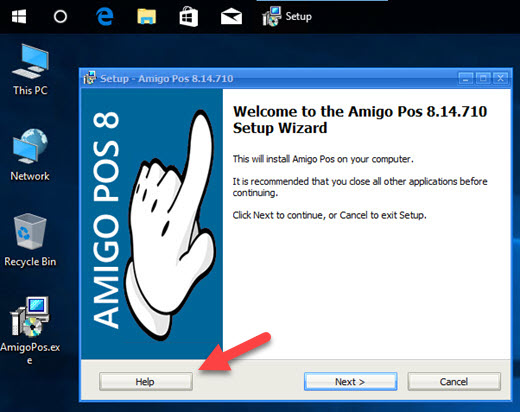
AmigoPOS can be installed on any computer that meets the minimum system requirements.
-
The current release can be installed without uninstalling the previous release and will continue to use the same database and all local settings stored in the local system registry.
-
After installation is complete, install any devices as described in other sections of this file, testing each device after installation to ensure that all settings are correct.
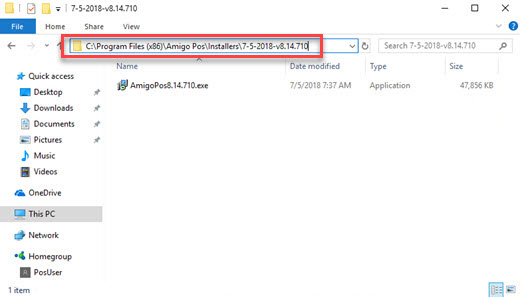
During installation, a backup of the installer is copied to the program installation directory. For example, on 32-bit Windows, the typical program installation directory is C:\Program Files\AmigoPOS and the installer backup is located in the directory named Installers and sub-directory named with the current date and program version, i.e. C:\Program Files\AmigoPOS\Installers\7-5-2018-v8.14.710. On 64-bit Windows, the directory is most likely C:\Program Files (x86)\AmigoPOS\Installers\7-5-2018-v8.14.710.